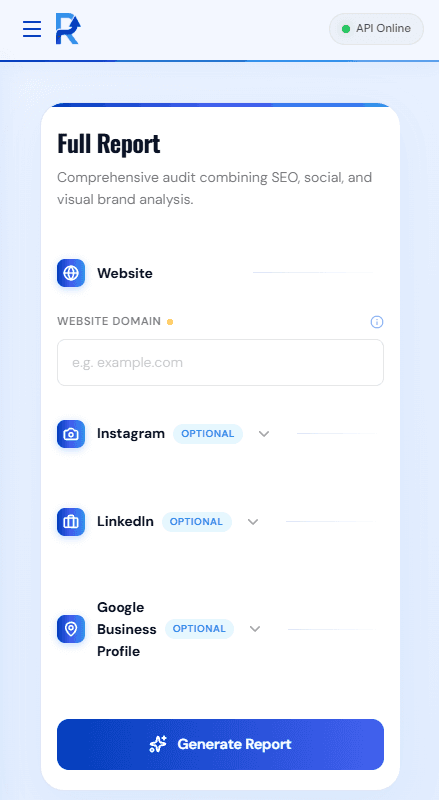
HowDigitalAuditReportsAreGeneratedinFlawdits
Understanding how digital audit reports are generated in Flawdits comes down to three steps: choose a module, enter the target details, and generate. No crawlers to configure, no API keys to manage.
Choose Module
Select Full Report or any individual audit module from the sidebar.
Enter Details
Type in a domain URL, Instagram handle, GMB listing or LinkedIn URL.
Export Report
Instant PDF report generated with grades up front and evidence underneath.
The 3-Step Audit Process
From domain entry to a client-ready deliverable in under 60 seconds.
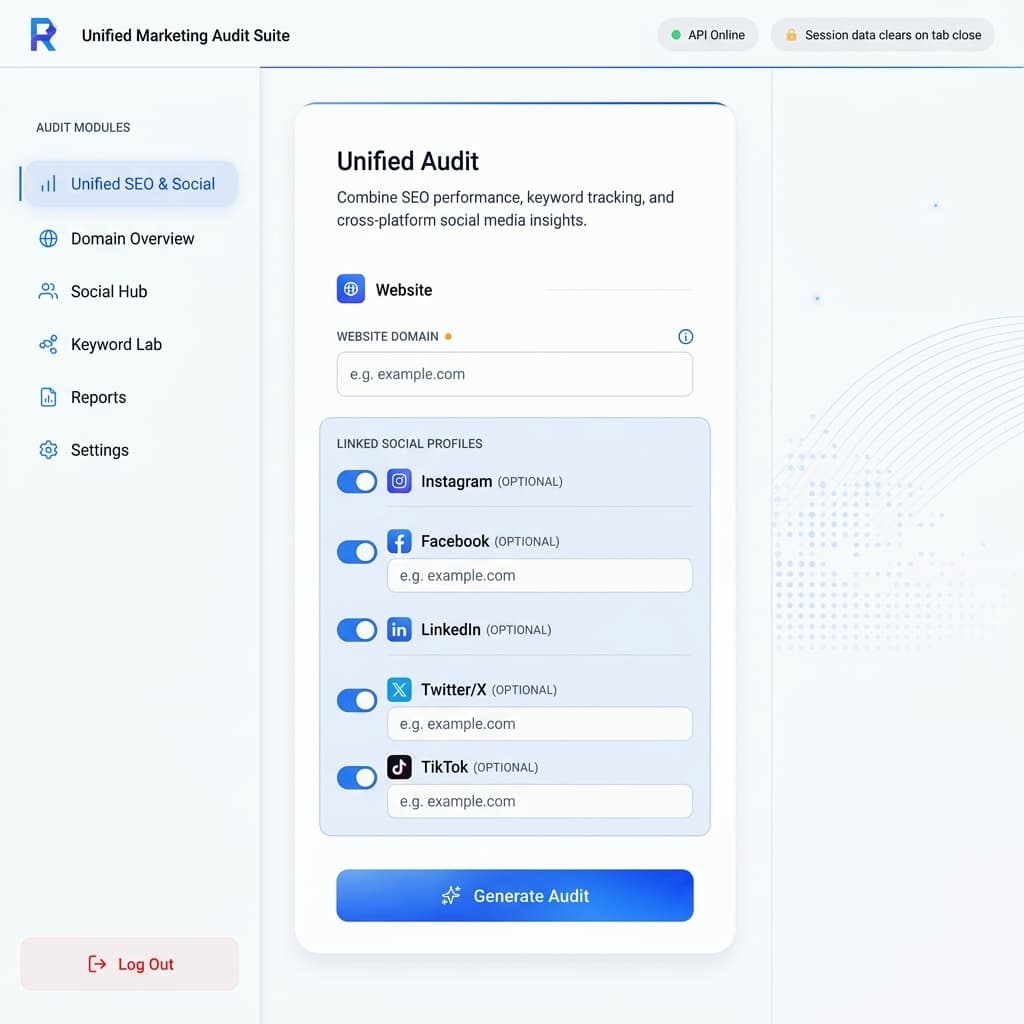
Choose Your Audit Module
Pick the Full Report for everything at once, or choose an audit module individually.
Pick the Full Report for everything at once, or choose your audit module individually — Website Anatomy, GMB Audit, Instagram Audit, LinkedIn Audit, Visual Brand Match, or AI Visibility Audit — depending on what you need right now.
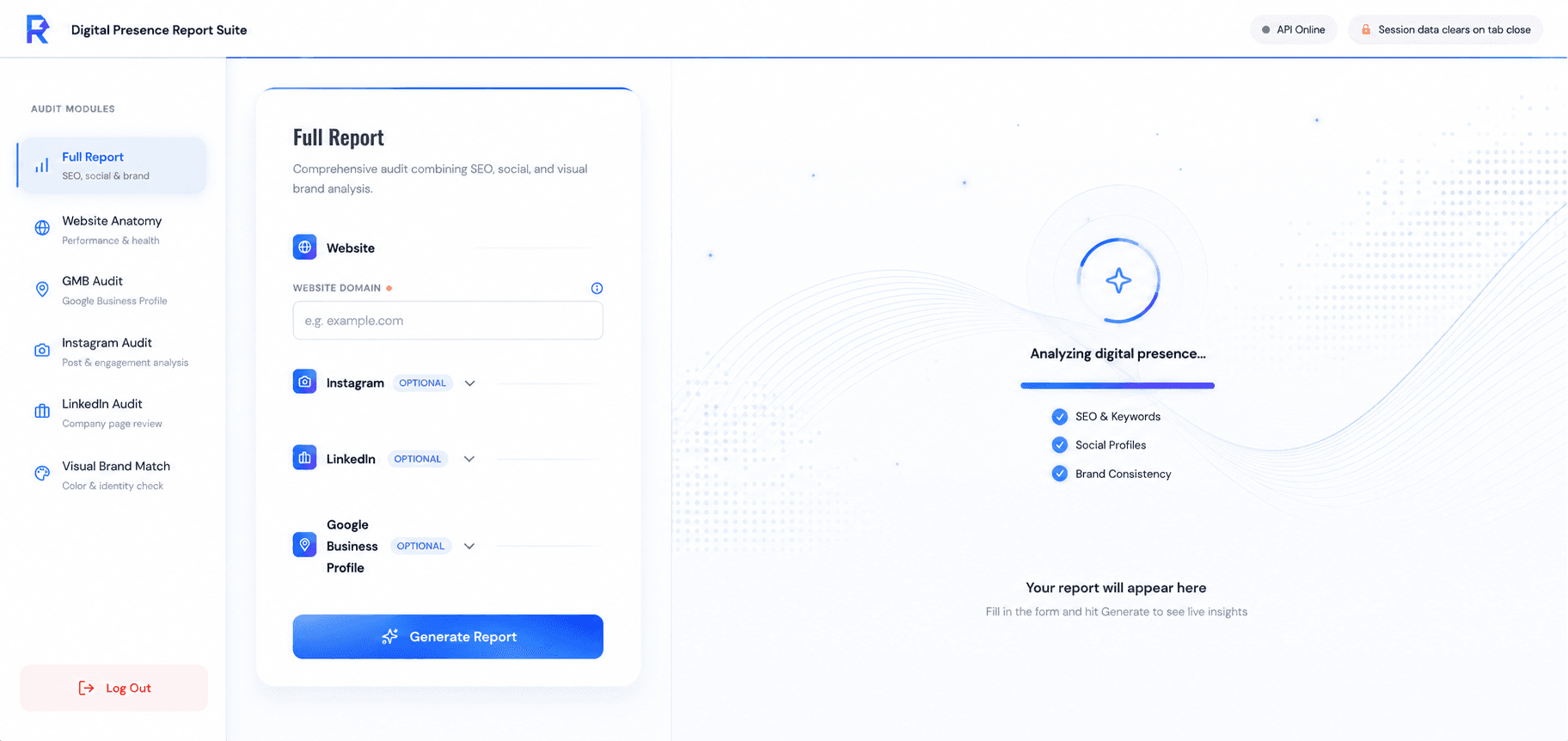
Enter Website and Social Handles
Provide the domain, handle, or Google Maps listing you want to analyze.
You enter website and social handles relevant to the module: a domain, an Instagram username, a LinkedIn company URL, a LinkedIn personal profile URL or a Google Maps listing. Optional fields like target audience, hashtags, or company size sharpen the analysis further.
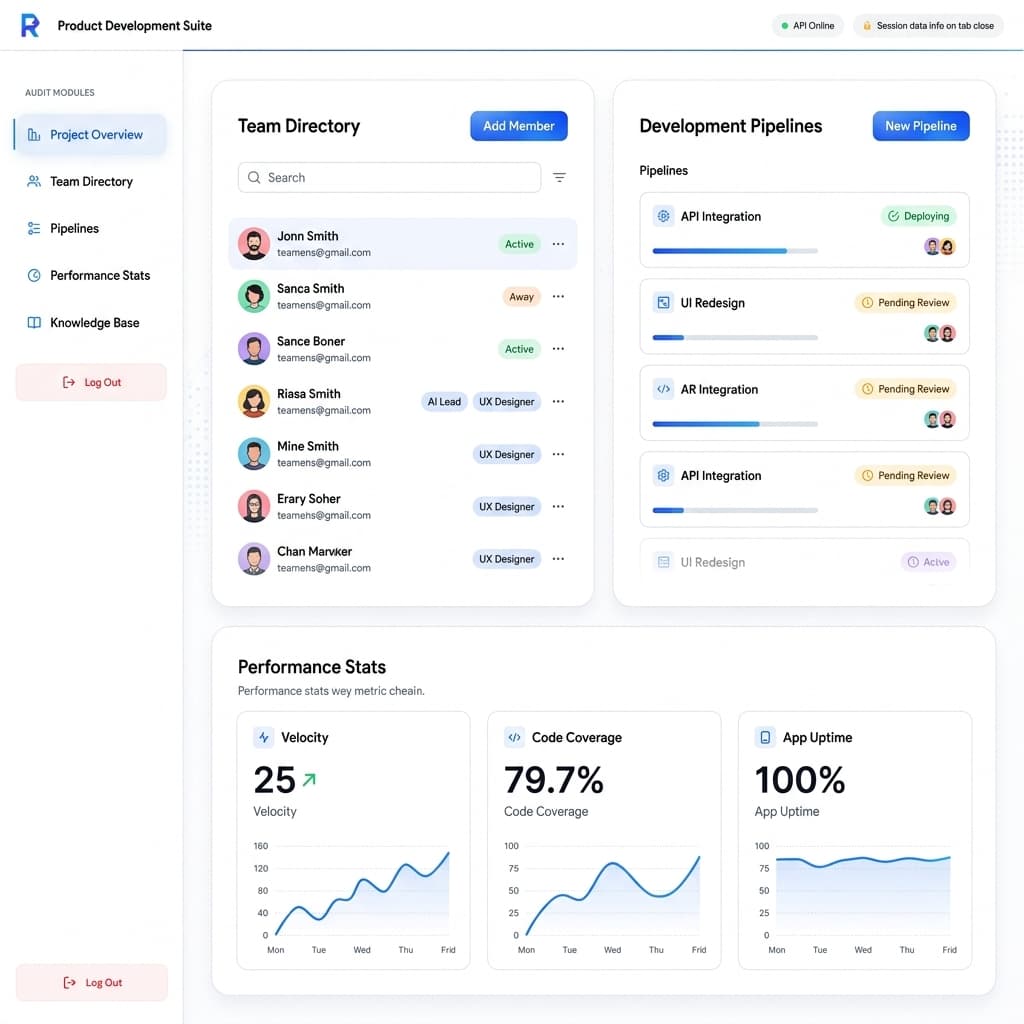
Download the PDF Audit Report
Instant automated scan, grading, and client-ready export.
Hit Generate, and Flawdits scans, scores and formats the results into a document you can download PDF audit report style — client-ready, with grades up front and evidence underneath, in the same automated digital audit process every time.
Frequently Asked Questions
Everything you need to know about generating your first report.
Three steps, one client-ready report
Run a complete digital presence report covering SEO, social, local, and visual brand consistency in minutes.